
How to Find a Lawyer
Use the search page to find verified lawyers by specialty, city, language, and price.
Last updated: March 22, 2026
Using the search page
The search page is the fastest way to find a lawyer on LeyApp. You can access it from the home page hero search bar, the navigation menu, or directly at /search.
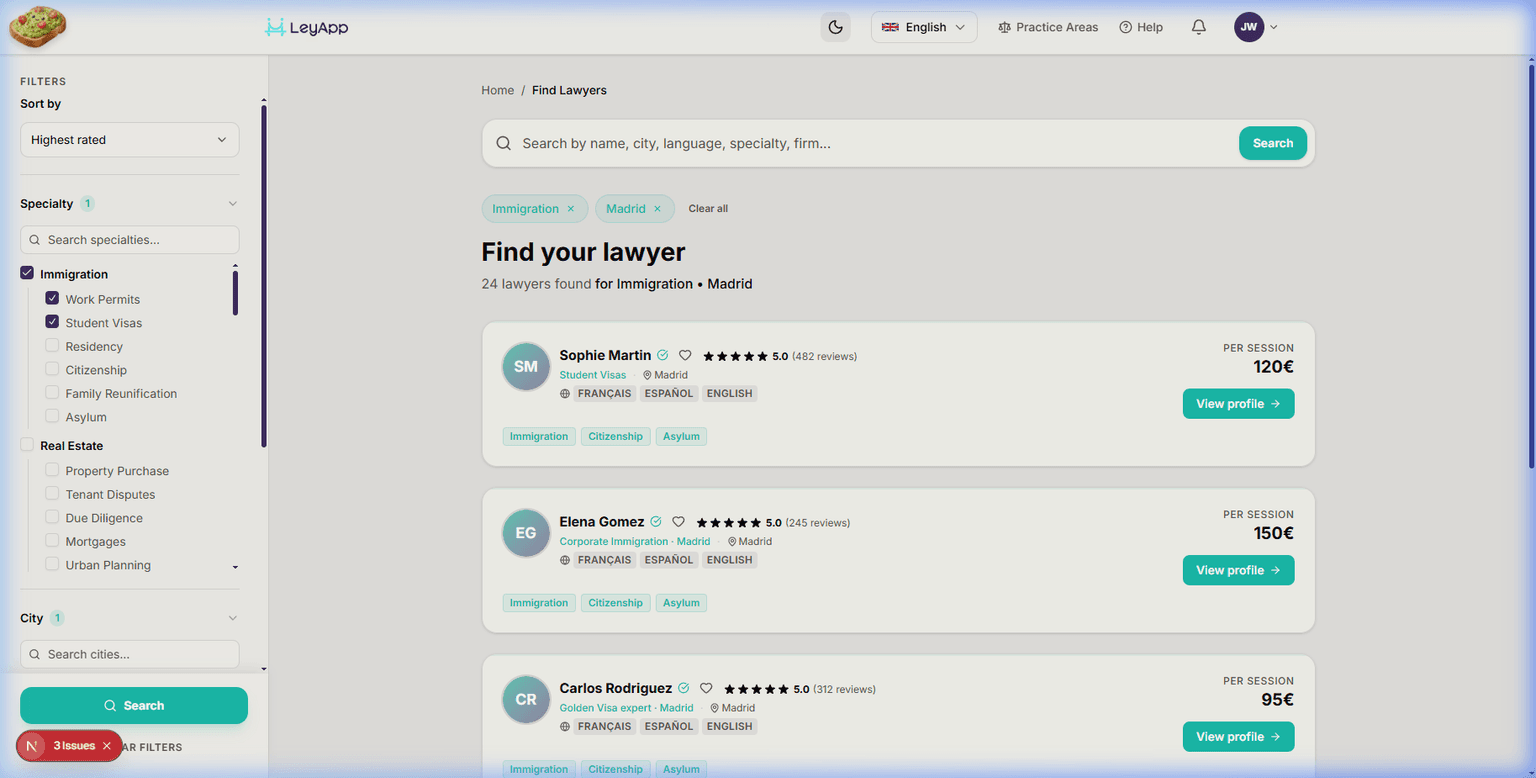
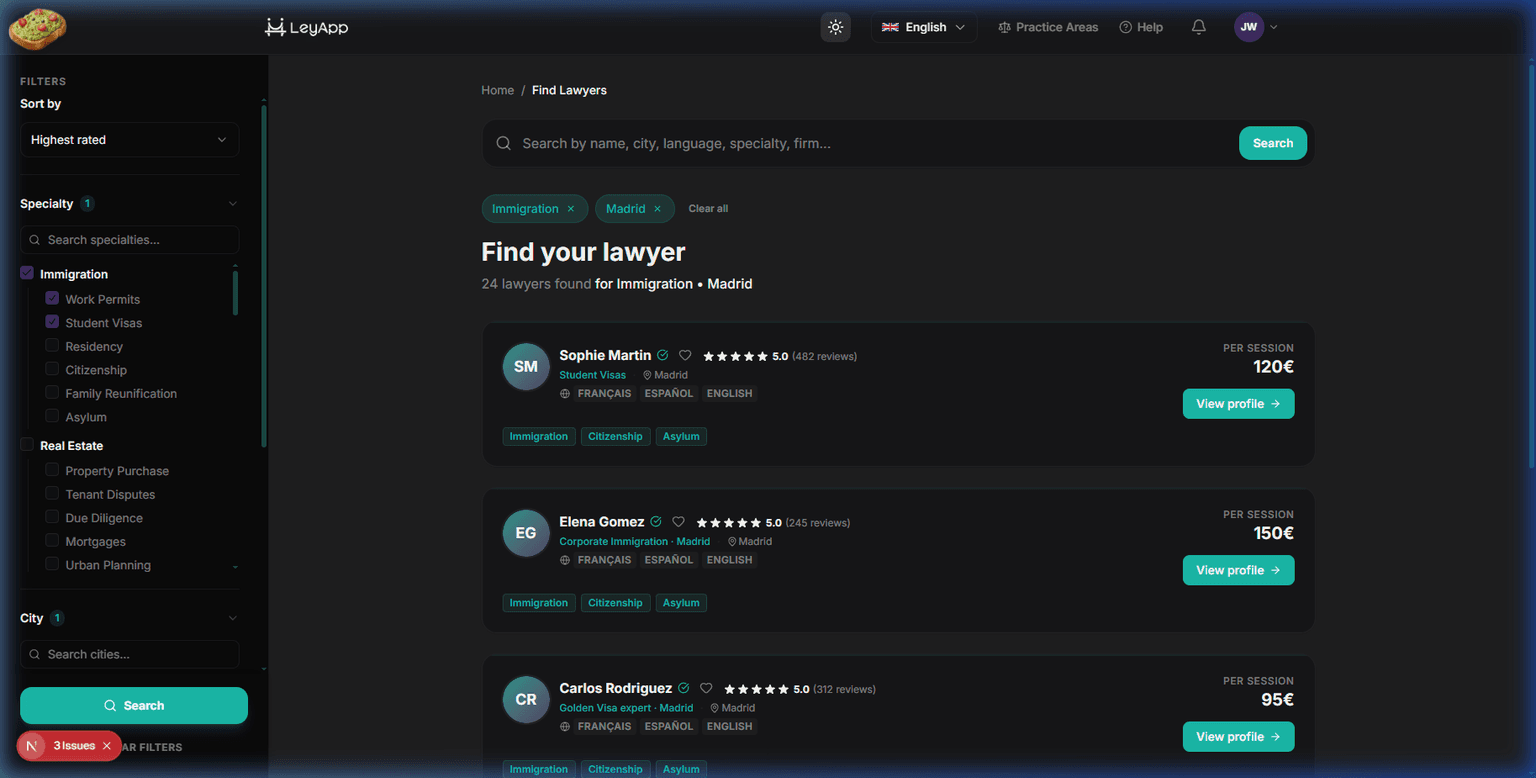
Results show verified lawyers matching your criteria. Each result card displays the lawyer's name, verified status, specialty, location, client rating, languages, and consultation price (inclusive of platform fees and IVA) — everything you need to compare options at a glance.
Understanding filters
The search page uses horizontal filter pills at the top of the results. Each pill (Specialty, Availability, City, Language, Price) opens a dropdown when clicked. You can combine multiple filters — active pills show a count badge and highlighted border.
All active filters are reflected in the page URL. This means you can bookmark a filtered search or share it with someone else — they will see the same results. A "Clear filters" pill appears when any filter is active.
Available filters
- Specialty — Choose from specific practice areas like Immigration Law, Family Law, Criminal Law, and more. The dropdown shows all parent categories with multi-select checkboxes.
- Availability — Filter by when you need an appointment: today, tomorrow, this week, or next week. An advanced option lets you pick a specific date range.
- City — Filter by the city where the lawyer practices. The dropdown includes a search box — start typing to narrow the list. Only cities with active lawyers are shown.
- Language — Find lawyers who speak your language. Options include Spanish, English, Catalan, French, and Arabic.
Use the Language filter to find lawyers who speak your native language. This is especially useful for expats and immigrants who prefer legal consultations in their own language.
INTERACTIVE DEMO
~3 min· 6 stepsFind a Lawyer
This walkthrough guides you step by step through the search: using the search bar, applying filters, and exploring a lawyer's profile.
Sorting results
You can sort search results by different criteria using the sort dropdown above the result cards. Options include: highest rating, price (low to high), price (high to low), and most reviews.
Sorting combined with filters gives you powerful control over which lawyers appear first.
Viewing a lawyer profile
Click the "View Profile" button on any search result card to see the lawyer's full profile. The profile page includes their complete bio, years of experience, service description, professional disclaimer, all specialties, bar association memberships with verification status, office location, areas served, FAQ, client reviews, and a booking card with pricing and availability.
On desktop, the booking card stays visible in a sticky sidebar as you scroll through the profile. On mobile, a booking bar appears at the bottom of the screen.
INTERACTIVE DEMO
~2 min· 4 stepsSave & Compare Lawyers
Learn how to save lawyers with the heart button and access your saved list to compare them.
INTERACTIVE DEMO
~5 min· 12 stepsYour first booking, step by step
An end-to-end interactive tour — from search to confirmed booking — with voice guiding you through each step.